01
Where do we appear?
See which prompts and answer engines mention your brand, and where competitors appear instead.
Build a complete HubSpot AEO report ready for that executive review. Choose the prompts and period, then get the result in Excel, PowerPoint, or a live dashboard—with every finding tied to the original answer and citation.
Run it weekly or monthly. No prompt copying. No screenshot decks.
HubSpot and revenue operations work trusted by teams at



The recurring rebuild
HubSpot AEO reporting shows where your brand appears across AI answer engines, which sources get cited, and what to improve next.
The prompts, AI answers, citations, competitor mentions, and recommendations may already be in HubSpot. The report still has to be assembled for the people who need to understand what changed and decide what happens next.
Someone exports the rows, groups the questions, checks the answers, copies examples into slides, and tries to keep the client deck tied to the source material. Then the same work starts again for the next period.
SWOTBee keeps the working file, meeting deck, and live view together, so the next report starts with fresh AEO data—not another blank presentation.
AEO reporting that leads to action
Turn AI search visibility into three clear answers for the review.
01
See which prompts and answer engines mention your brand, and where competitors appear instead.
02
Open the AI answers and citations behind the brand visibility score. See which pages are influencing the result.
03
Turn the strongest visibility gaps into named content actions, owners, and review dates.
HubSpot AEO and Marketing Hub availability can vary. Your report will show what is available and label anything missing.
A reusable AEO review
Build the first report in 3 steps. Choose the scope. Choose your KPIs. Get your report.
Select the business unit, reporting period, comparison, AI engines, buying stages, and prompts that belong in the review.
Pick the KPIs for the review: coverage, brand and competitor mentions, citations, engine results, and recommendations.
Get the Excel workbook, editable PowerPoint, and live dashboard from the current AEO data.
No digging through fields. No rebuilding filters. No hours copying and pasting.
One connected reporting system
Inspect the evidence in Excel, present the story in PowerPoint, and share the live dashboard. Every view stays tied to the same approved AEO data.
Shared reporting layer
The same measures and charts flow into every output.
Verify and Customize
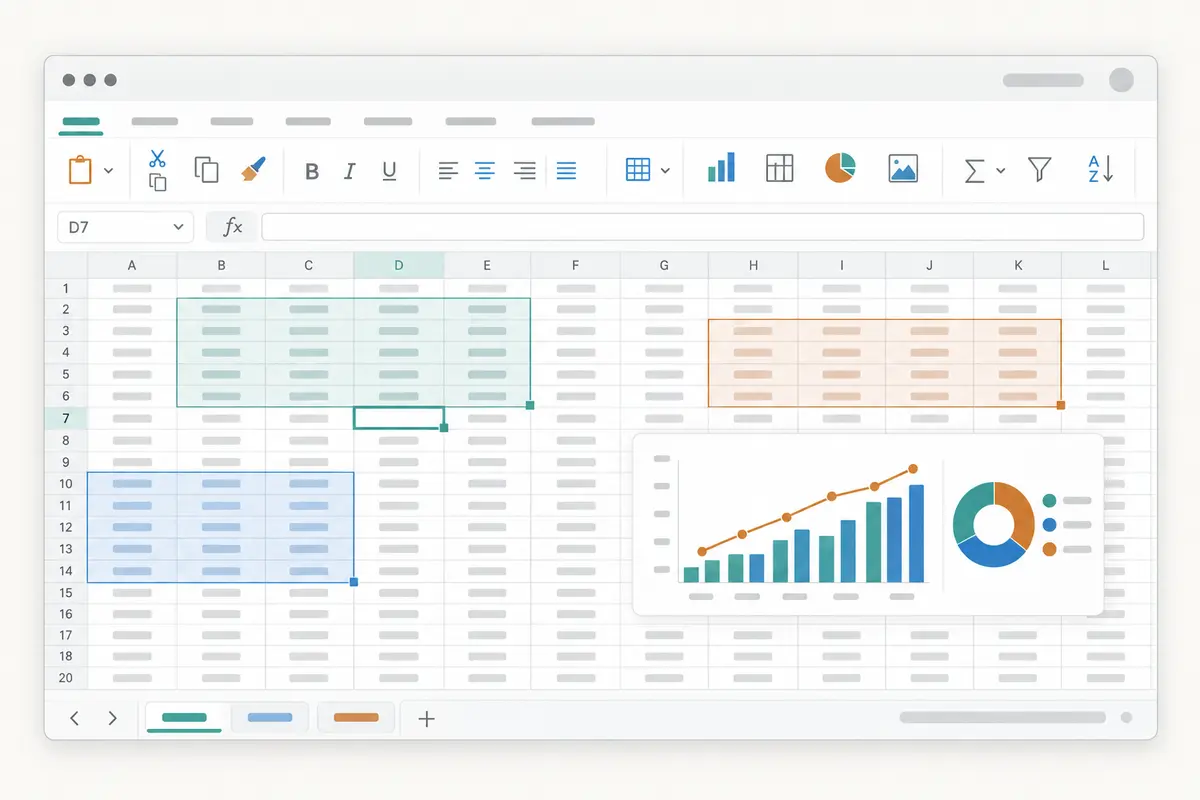
Work through every prompt, answer, citation, and recommendation in a familiar spreadsheet.
Present
Present the same measures and chart patterns as an executive story.
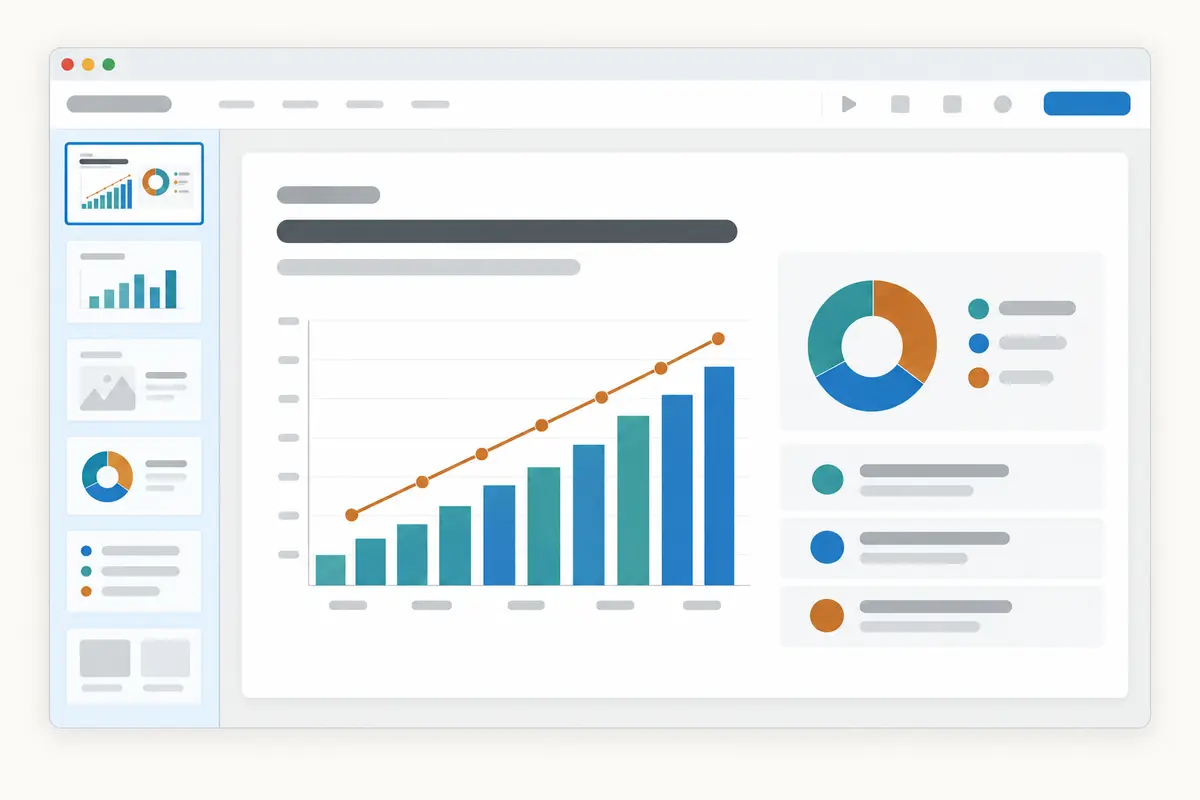
Share
Share a current view of those same measures without rebuilding it.
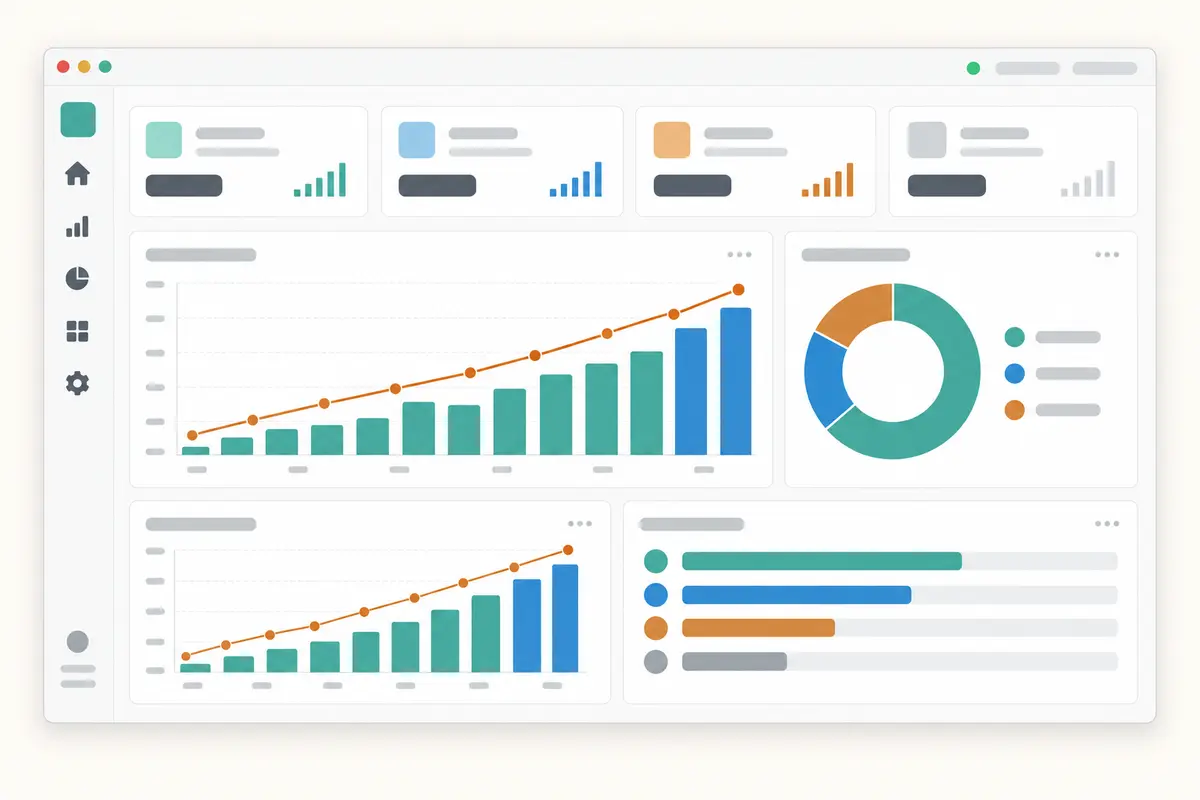
Sample AEO report
Example dataThe summary, original AI answers, citations, and recommended work stay connected. The figures below are sample data.
AEO client report
Compared with July 2026
Tracked prompts
24
AI answers checked
72 of 72
Answers that mention your brand
42%
Up 6 pointsCitations
86
23 ownedSample insight
Your brand appeared more often in research questions. It was still missing from several buying-decision answers, particularly in ChatGPT and Gemini.
Sample recommendation
Reason: AI answers cited competitor comparison pages 11 times and your comparison page 3 times.
Built around the AEO review
See where the brand appears, where competitors have the advantage, which sources are being cited, and what the team should do next.
The prompts selected for the report, every AI platform checked, the dated answers, and anything HubSpot could not return.
How often your brand appears in AI-generated answers, where it appears, and the gains or losses that matter for the review.
Questions where competitors appear, where your brand is missing, and the pages or claims helping them earn that place.
The websites and individual pages cited in AI answers, including your own citations and sources worth investigating.
Clear breakdowns by AI platform, buying question, topic, business unit, or another grouping selected for the report.
The content or outreach work supported by the evidence, why it matters, who owns it, and when it will be reviewed.
Consistent comparisons
Point-in-time history
SWOTBee saves each reporting cutoff, so you can compare AEO performance over time.
Built for the people who get things done
01 · Time back
02 · A reliable rhythm
03 · Less HubSpot admin
04 · Clearer decisions
Questions about the report
Answer engine optimization, or AEO, helps a brand show up in AI answers from answer engines like ChatGPT. Traditional SEO focuses mainly on rankings and visits from search results. AEO reporting examines the prompts people ask, the brands and sources named in AI answers, the citations used, and how that visibility changes over time.
A practical AEO report can track prompt coverage, answers checked, brand mention rate, competitor mentions, cited domains and pages, results by AI platform, changes between reporting periods, and recommended actions. Each summary metric should link back to the prompt, dated answer, and citation evidence behind it.
No. An AEO grader provides a point-in-time assessment that helps a marketer understand current AI search visibility. This reporting workflow is designed for recurring review: preserve the source evidence, compare periods, explain changes, assign work, and publish the approved view in Excel, PowerPoint, or a live dashboard.
Start with a stable set of prompts, choose the AI platforms and reporting period, define the visibility and citation metrics, and save a dated baseline. Run the same scope on a weekly or monthly cadence, review any missing data, compare the new result with the prior cutoff, and record the content or outreach actions that follow.
Use the answer engines that matter to your buyers and that your available data can support. This may include AI answer engines such as ChatGPT, Gemini, Perplexity, or Google AI Overviews. Keep the platform list and prompt set stable between reporting periods so a change in visibility in AI search is not confused with a change in scope.
HubSpot AEO access, beta availability, and packaging can change. Check the AEO tools available inside HubSpot and confirm the current Marketing Hub requirements for your portal before planning the report. The reporting scope should clearly identify which fields come from HubSpot, which were calculated for the review, and which metrics were unavailable.
Yes, when your analytics setup records traffic from AI platforms. AI referral traffic and brand visibility answer different questions: referral data shows visits that reached your site, while AEO shows whether and how the brand appears in AI answers even when nobody clicks. Keep both measures separate, then use them together to prioritize AEO strategies.
You will get an editable workbook for the detailed work and a PowerPoint for the meeting. Depending on the data available, they can show the questions tracked, AI answers checked, results by AI platform, mentions of your brand and competitors, cited sources, recommended work, and agreed actions.
Yes. The workbook can include the questions you track, dated AI answers, cited sources, search queries, brand and competitor mentions, recommendations, and notes about what was included.
Yes. The presentation is editable, and you decide which changes, missing brand mentions, useful sources, and next actions the audience needs to see. The workbook stays available when someone wants the detail behind a slide.
Yes. A live dashboard can show the latest approved AEO measures and let colleagues or clients inspect the prompts and evidence behind them. It uses the same report setup as the Excel workbook and PowerPoint.
They can be when HubSpot returns them for the period you selected. The report can include the question, AI platform, full answer, cited URLs and titles, and the search queries used.
The report says it is unavailable. It does not turn missing data into zero or present an independently calculated value as a native HubSpot metric. HubSpot currently documents the AEO API as a public beta, so fields and availability may change.
It can use prompt runs that HubSpot has already collected and preserve future reporting cutoffs. It cannot recreate an AI response that was never captured, so comparisons become more useful as consistent runs accumulate.
No. This signup records your work email and requested report so we can contact you about access. It does not create an app account or connect to your HubSpot portal.
One report solves today. A repeatable one solves every month.
We’ll turn your HubSpot AEO data into an Excel workbook, presentation, and dashboard—so you spend less time gathering evidence and more time improving AI visibility.
This part of our website is currently undergoing maintenance. We’ll email you with instructions for accessing the app.
As a courtesy, a member of our team will be available to personally help you get set up.
We apologize for the inconvenience and appreciate your patience.
No credit card required.
LinkedIn advertising cookies are set on every visit. Analytics cookies are off until you say yes, and the essential ones that make the site work are always on. See our Cookie Policy.