This guide supports our HubSpot Customer Contract Renewals pillar. It focuses on the specific implementation job below.
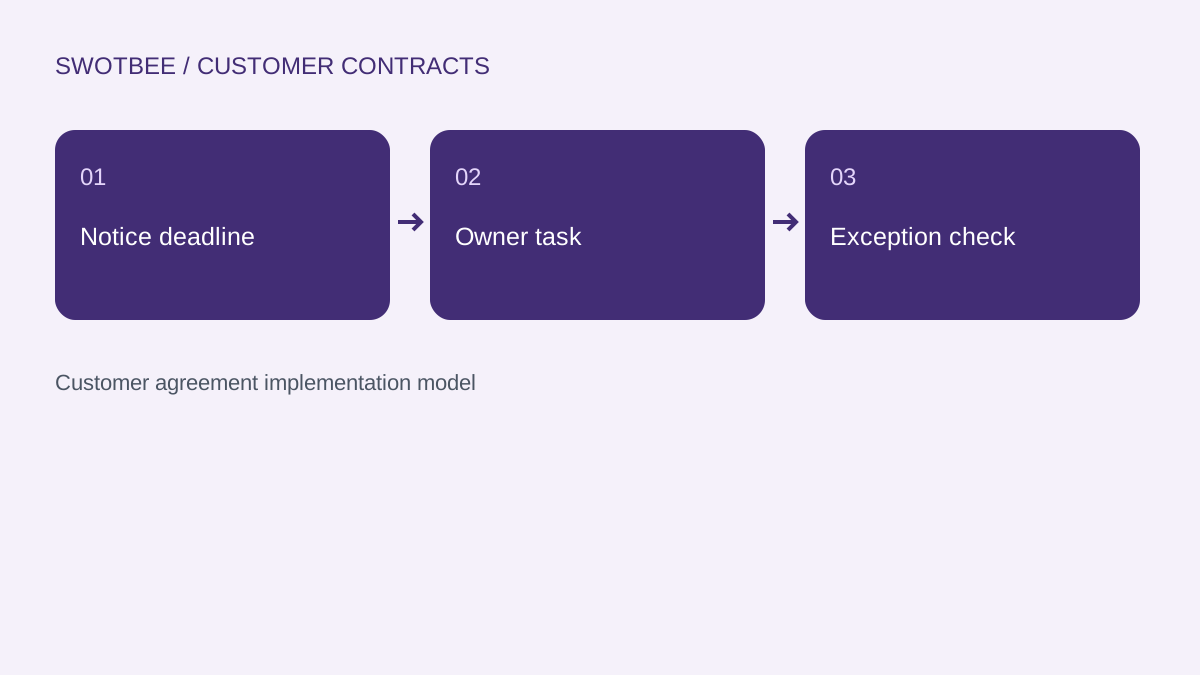
HubSpot renewal reminders should notify the responsible person before the customer’s actionable deadline, using reviewed agreement dates and a clear next task. Start with the notice rule, then select the record and supported workflow actions. An expiry alert alone can arrive too late when a contract requires earlier notice.
Three things you can take away:
- A date and notice worksheet that keeps each agreement’s obligations separate.
- A worked reminder plan with an owner, backup and next action.
- An acceptance checklist for changed dates, late enrollment and repeated terms.
Start here: choose one customer agreement, find its reviewed notice deadline and identify who must act before that date. Record the evidence before building the workflow.
Download: HubSpot renewal reminder workbook (Excel). Use the blank deadline planner, illustrative example and editable acceptance tests. No signup is required.
Which dates should drive renewal reminders?
Use the date that leaves enough time to make the required decision. Keep notice deadline, service end and next renewal separate, even when they happen to coincide.
An illustrative agreement A-101 ends on December 31, 2026. Its reviewed cancellation notice deadline is October 2. A reminder 30 days before expiry would arrive on December 1, after the notice deadline. Changing the reminder’s heading to Renewal Alert would not fix that timing.
Record the rule source and interpretation alongside the date. A clause might specify calendar days, business days, delivery method or receipt by a particular time. The operational date should come from the agreed review process; a subtraction from an unreviewed PDF is insufficient.
| Field | Purpose | Filled example |
|---|---|---|
| Agreement identity | Keep simultaneous commitments separate | A-101 support |
| Current term end | Service coverage boundary | 2026-12-31 |
| Reviewed notice deadline | Last permitted decision/delivery date | 2026-10-02 |
| Next-term start | Next opportunity’s term | 2027-01-01 |
| Internal action date | Time reserved for review and outreach | 2026-09-02 |
| Source and reviewer | Evidence behind the operational date | Reviewed SOW version 3 and designated reviewer |
These are design labels, not mandatory HubSpot property names. Use the renewal properties guide for the operational field model and the renewal pipeline pillar for the wider process.
Do reminders need a renewal deal or a custom object?
Use the record that reliably holds the agreement and its reviewed dates. A reminder does not always require a new deal or custom object.
For native commercial Contracts, assess the available lifecycle and automation route. For externally controlled agreements, a designated deal or agreement record may be appropriate. Where a customer has several agreements, a company-level Renewal Date can conceal which obligation needs attention.
Compare one record per agreement or term with your required history and access. Custom objects have separate entitlement conditions; they should follow a demonstrated modeling need. Do not buy a different tier merely because a tutorial used that object.
A legal document retains the executed terms. A commercial Contract represents a revenue commitment. A deal represents a sales or renewal opportunity, and a subscription serves its configured billing path. The reminder consumes reviewed operational facts from the chosen authority. See the contract architecture guide before changing that authority.
Which HubSpot access and actions must you check?
Check the chosen workflow object, task and notification actions, date behavior and permissions in the actual account. Workflow access alone does not establish every communication or scheduling feature.
HubSpot’s workflow action guide documents Create task, in-app notifications and internal email notifications, with subscription and action-specific conditions. Customer-facing automated email has its own eligibility; internal alerts do not prove that route is available.
For daily, weekly or monthly scheduled enrollment, HubSpot’s schedule guide requires Data Hub Professional or Enterprise. Confirm the account time zone and filters. A date-property delay is another tool to assess, rather than a universal substitute for recurring enrollment.
Before implementation, list the source object, date fields, enrollment method, owner assignment, notification channel, fallback and suppression rule. Test each required action with the intended operator’s access. Use an internal pilot without customer emails until recipients, message content and sending permissions are separately reviewed.
How do you build a reminder plan for two agreements?
Create a separate plan for each agreement and its actionable deadline. Use the same process structure while allowing different dates, owners and lead times.
Here is an illustrative B2B service customer with support A-101 and an implementation agreement A-102. The dates are reviewed example inputs, not legal advice or a tested customer portal.
| Agreement | Notice deadline | Lead time | Internal action date | Owner’s task |
|---|---|---|---|---|
| A-101 support | 2026-10-02 | 30 calendar days | 2026-09-02 | Review terms and prepare the customer decision |
| A-102 project extension | 2026-11-15 | 14 calendar days | 2026-11-01 | Confirm extension scope with the project lead |
The workbook subtracts the entered planning lead time from a reviewed deadline. It does not interpret the contract’s notice clause or calculate legal business-day rules. A lead time of zero preserves the entered deadline; a missing deadline leaves the planning result blank.
Define a task template containing agreement ID, notice deadline, source reference, required decision and responsible person. Give each reminder an identity such as A-101:2027-01-01:initial-review. The same customer receiving two different tasks is expected; the same agreement and checkpoint receiving duplicate tasks needs investigation.
For opportunity creation, use the renewal automation specification. Reminders own work assignment and escalation here, rather than creating another competing renewal workflow.
How should you configure the workflow step by step?
Translate the plan into an eligible source, a supported date mechanism and an assigned action. Build one checkpoint first, then extend only after its expected result passes.
- Select the agreed source object and limit eligibility to active agreements with reviewed dates.
- Require agreement/term identity, an action date and a responsible owner or fallback route.
- Choose the supported scheduled check or date-delay design for the checkpoint.
- Before the task action, recheck current eligibility, date and whether that checkpoint was already handled.
- Create the intended task and internal notification with agreement context.
- Record the accepted checkpoint result and test date changes, late enrollment and a repeated event.
HubSpot’s delay documentation describes date-property delay options and their before/after-date behavior. Inspect the configuration and its handling of already-passed dates. Avoid assuming that a record imported after the checkpoint will receive a useful alert automatically.
Keep a test log with source record, checkpoint, expected task, actual task, workflow history and reviewer. A successful workflow run does not prove the assigned person can open the document or knows the next action.
What happens when a date changes or an agreement arrives late?
Recalculate the operational plan and test what should happen to existing tasks. Decide whether to update, replace or close the earlier task rather than leaving contradictory deadlines.
Suppose A-101’s reviewed notice deadline moves from October 2 to October 16. A 30-day planning lead now gives September 16. The workbook exposes that change, but HubSpot task behavior still depends on the implemented workflow. Changing a date field is not proof that an existing task’s due date will change.
HubSpot’s re-enrollment guidance explains that supported criteria govern repeat enrollment and that a record cannot re-enroll while already enrolled. Treat date edits, passage of time and completion of an earlier term as separate cases.
For late intake on September 20, the September 2 initial checkpoint is already past. Define an immediate review task or exception instead of waiting for a date that will never occur again. Keep the notice deadline visible so the reviewer can assess urgency.
How should ownership and escalation work?
Assign the task to the person responsible for that agreement, with a backup when they are unavailable. A notification channel alone does not create accountability.
A customer may have a support account manager and a separate project lead. Company owner is a useful fallback only when that matches the agreed responsibility. Use the ownership guide to clarify the split between customer success, sales and operations.
Specify three fields in the escalation plan: who acts, by when and what happens if the action remains open. A manager alert can request review without automatically changing a deal to Negotiation or marking a customer at risk.
Distinguish operational failure from commercial risk. A revoked notification connection needs a repair owner. A correctly delivered task with unresolved customer terms needs a renewal decision. Both deserve visibility, but they require different next actions.
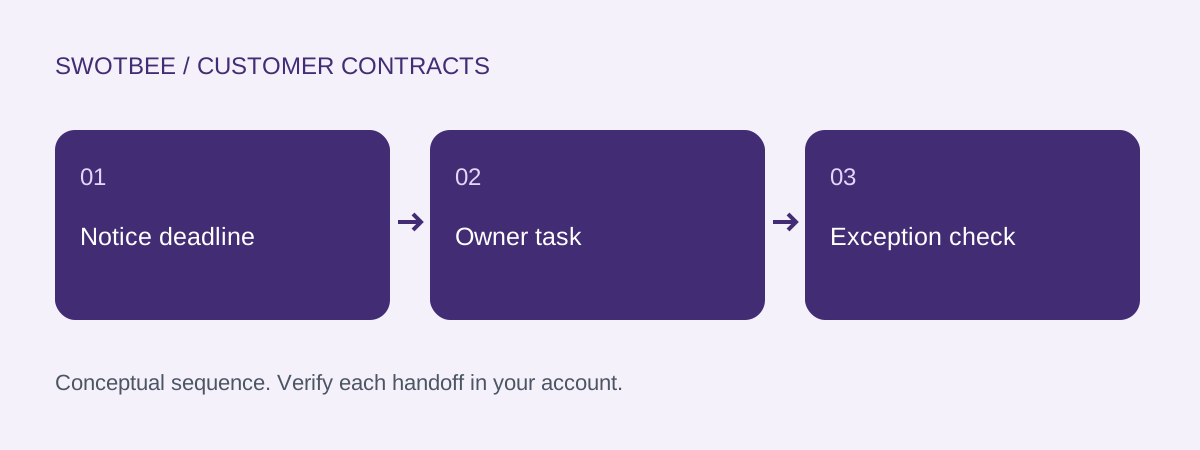
This is a conceptual acceptance sequence, not a HubSpot screenshot or a claim that a particular workflow has passed the tests.
What should pass before you enable the reminders?
Enable the process when representative agreements produce the intended work and exceptions can be repaired. Use these checks with the workbook’s editable owner and evidence fields.
- Notice deadline and rule source are reviewed separately from expiry.
- A-101 and A-102 retain distinct dates, owners and tasks.
- The example planning dates calculate September 2 and November 1 correctly.
- Missing or unreviewed dates enter an assigned exception.
- Late enrollment creates the agreed immediate review action.
- A date change updates or replaces existing tasks under the documented policy.
- Repeating a checkpoint does not create an unintended duplicate task.
- An inactive owner routes to the approved backup.
- The recipient can open the source and identify the next decision.
- Completed, cancelled or replaced terms stop obsolete alerts.
- A second term has a new identity without erasing prior evidence.
- Customer emails remain separate from internal alert acceptance.
Measure open tasks, approaching deadlines and exceptions. Task creation counts are not evidence that customers renewed. Use the reporting guide for that separate measurement job.
Frequently asked questions
Which date should trigger a HubSpot renewal reminder?
Use the reviewed actionable deadline, with an internal lead time that leaves room to decide and act. Keep notice deadline, term end and next-term start separate; an expiry-based reminder may arrive after notice is due.
Do renewal reminders require a renewal deal?
No. Use the supported record and workflow route holding the reviewed agreement dates. A renewal opportunity is useful for the commercial process, but creating one is a separate decision from sending an internal reminder.
Why did changing a renewal date not send a new reminder?
Date updates do not prove that a record will re-enroll or that an existing task will change. Check supported enrollment criteria, current enrollment, date-delay behavior and the checkpoint result. Test the required changed-date outcome explicitly.
Which HubSpot tier supports recurring scheduled enrollment?
Daily, weekly and monthly scheduled workflow enrollment requires Data Hub Professional or Enterprise in the current documentation. Check the object, action and operator permissions separately.
How should a missing renewal owner be handled?
Route the agreement to an approved backup or exception owner with the deadline and next action. An alert without an accountable recipient is not a completed reminder process.
Need help applying this to your customer agreements?
Use the workbook to document one real agreement and its expected results. If you would like to discuss the implementation, contact SwotBee for a discovery conversation.