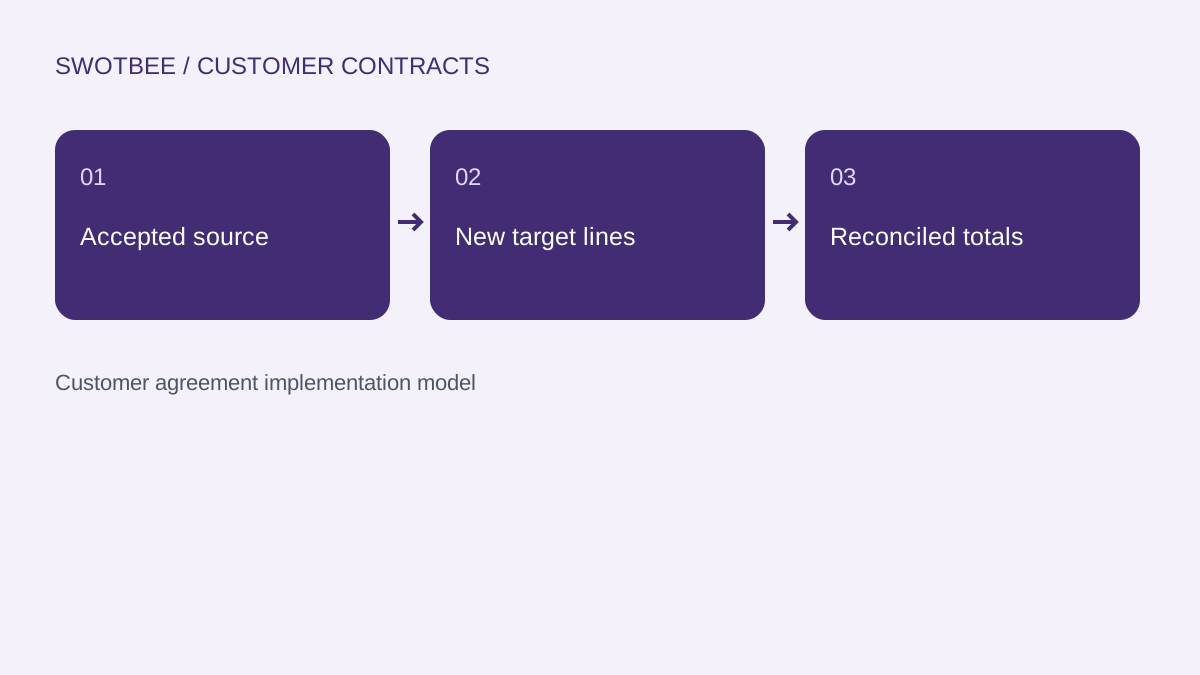
This guide supports our HubSpot Deal Cloning pillar. It focuses on the specific implementation job below.
To copy HubSpot deal line items, identify the accepted source lines, create separate target line-item records and preserve the intended quantity, price, discount, recurrence and term. Native workflow creation can add a product-based line item to a new deal; that is a different requirement from copying every negotiated source value.
Three things you can take away:
- A source-to-target line-item mapping.
- A worked recurring and one-time reconciliation.
- A partial-failure and retry checklist.
Start here: select one accepted opportunity with a discounted recurring service and a one-time fee. Decide which lines belong in the target before choosing a copying tool.
Download: HubSpot line-item copy workbook (Excel). Use the blank mapping, filled calculation and acceptance plan. No signup is required.
Can HubSpot workflows add line items to a new deal?
Yes. Native workflow record creation can add a product-based line item when creating a deal. Whether that covers your process depends on the source values you need to preserve.
According to HubSpot’s workflow record creation documentation, the Create record action offers an Add line item choice for deal creation. This is useful when the target needs a known product. Evaluate that native option against the target configuration before adding another tool.
If the source deal contains a negotiated USD 25 unit price, a 10% discount and a specific recurring term, test how each value reaches the new deal. Adding the same product name alone does not demonstrate that the negotiated terms were copied.
Use our deal-cloning pillar for the broader deal-copying decision. This article owns the line-item specification and its acceptance checks.
When should you copy source lines rather than add a product?
Copy source lines when the target must retain accepted, deal-specific commercial values. Add product-based lines when the intended target uses a reviewed catalog configuration instead.
For a renewal, the relevant source might be the current accepted agreement after an amendment, not the original closed-won deal. A one-time onboarding fee may be excluded from the next term. For a repeated project, the fee may be retained with new dates and approval.
Write an explicit inclusion rule: recurring support continues, onboarding does not repeat, and a retired service is excluded. A tool that copies every available line can still produce the wrong renewal.
Our renewal pipeline guide defines the opportunity and term; the copying process should follow that decision.
Which line-item fields should you map?
Map the commercially relevant values and target associations, not only the product identifier. Treat the map as a specification that must be checked against writable properties in the selected route.
| Requirement | Illustrative source | Target acceptance |
|---|---|---|
| Source version | Accepted SOW v3 | Approved baseline, not latest draft |
| Product and description | Support service | Correct product and customer-facing scope |
| Quantity and unit price | 40 users / USD 25 | Same intended units and price |
| Discount | 10% on support | Correct type, basis and scope |
| Recurrence | Monthly | Monthly, not one-time |
| Term | 12 months | Correct target commitment |
| Effective dates | Next term from 2027-01-01 | Target dates follow the new term |
| One-time line policy | USD 1,500 onboarding | Include or exclude explicitly |
| Associations | Source deal 501, target deal 601 | New lines belong to the intended target |
| Retry identity | Source line + target term | Repetition does not add another line |
These are design requirements, not a guarantee that every app exposes every property. Verify discount representation, tax settings and custom properties in the actual schema and returned target record.
Can you reuse the same line-item ID on another object?
Create a separate line-item record for the target object. Reusing a source identifier is not the same as creating an independent copy.
HubSpot’s product and line-item developer guide explains that line items are individual product instances and belong to one parent object. It advises separate line-item sets for deals and quotes to avoid unintended effects when related records are modified or deleted.
Keep a mapping such as source line 701 to target line 801, linked to target deal 601. Preserve source ID 701 as a reference in your job log rather than as the target’s record identity. Query the returned associations to verify the outcome.
Which copying route should you choose?
Choose the simplest route that demonstrates the required target values and recovery behavior. A route’s existence does not prove that its connector action supports your complete map.
| Route | Suitable starting condition | Check before choosing |
|---|---|---|
| Native product-based creation | Known catalog line on a new deal | Does it cover the intended configuration? |
| Manual recreation | Small, occasional volume | Can a reviewer reconcile every field? |
| Installed copying app | Exposed action matches the specification | Fields, filters, associations, permissions and retries |
| Workflow custom code | Controlled logic belongs inside the workflow | Entitlement, secrets handling and failure recovery |
| External API integration | Several systems or advanced processing | Scopes, rate limits, schema and operation log |
According to HubSpot’s workflow actions guide, custom-code actions require Data Hub Professional or Enterprise. Do not infer this access from another Professional hub subscription. API authentication and scopes are a separate implementation check.
Use our HubSpot clone-deal apps comparison to shortlist app routes. Confirm current provider terms and demonstrate the exact copy in a test account before procurement. This guide does not assign unverified current prices or claim that every connector synchronizes every field.
How do you copy line items from one deal to another?
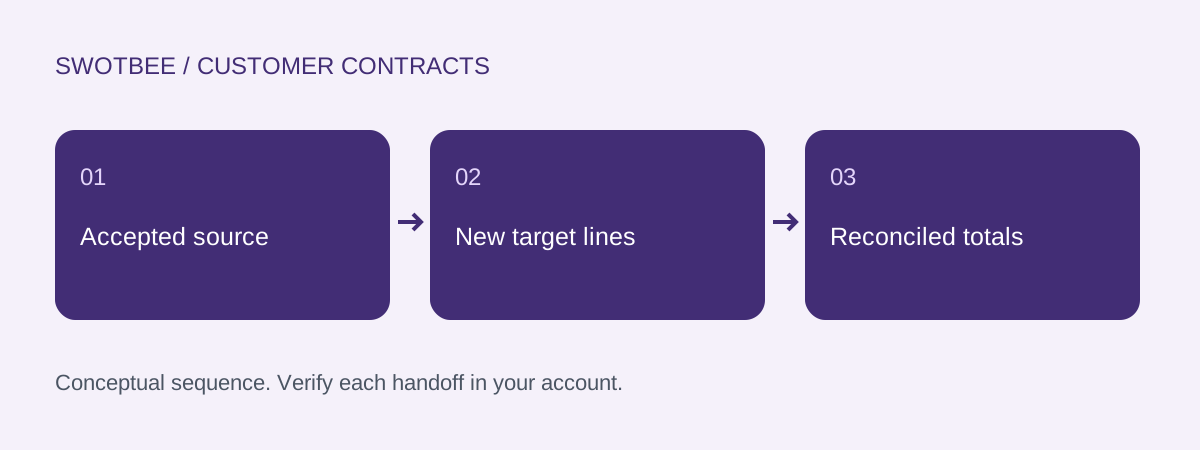
Copy the reviewed source set into independent target records, then read the result back. Use these steps as an implementation specification for the chosen native, app or API route.
- Identify the source deal, accepted agreement version and target deal.
- Retrieve the source line items and their current product references.
- Filter the eligible lines using the approved target-purpose rule.
- Map writable quantity, price, discount, recurrence and term properties.
- Create new line items for the target and retain their returned IDs.
- Verify the target associations and reconcile each intended line.
- Record the operation identity and any exception before marking the copy complete.
For the illustrative deal 501 to deal 601 copy, support line 701 becomes a separate target line 801. Onboarding line 702 becomes 802 only if the target specification includes it. For a recurring-only renewal, its exclusion is an expected result.
If you use the native Create record action to add a catalog product, validate the actual configured values at step 4 rather than treating the product reference as a negotiated source-line copy. These steps do not claim that every connector exposes a single action covering the complete process.
How do you reconcile a two-line copy?
Reconcile recurring revenue and one-time charges separately, then compare the intended included set. Matching a deal amount alone can hide incorrect recurrence or discounts.
This illustrative service example has 40 users at USD 25 per month and a 10% recurring discount: 40 x 25 x 0.90 = USD 900 MRR. Over 12 months the recurring value is USD 10,800. Adding a USD 1,500 onboarding fee produces USD 12,300 for this simplified term, excluding tax and other charges.
| Target purpose | Support MRR | One-time fee | Simplified term total |
|---|---|---|---|
| Exact reviewed two-line recreation | USD 900 | USD 1,500 | USD 12,300 |
| Renewal excluding onboarding | USD 900 | USD 0 | USD 10,800 |
Neither target is universally correct. The specification decides. Check line count, line identities, recurrence and totals against that specification. The workbook calculates the example; it does not validate a live HubSpot copy.
How should an API or app copy handle partial failure?
Record which target operations succeeded before retrying. A safe retry resumes missing work without duplicating the lines already created.
A practical algorithm is to read the accepted source, filter eligible lines, validate writable fields, create target-specific lines, associate them, then read the target back and reconcile. Store a stable key for each intended source-line/target-term pair and the returned target ID.
If support line 801 exists but onboarding creation failed, first inspect 801 and the target association. Resume only the missing operation allowed by the specification. Do not treat a timeout as proof that nothing was created.
For excluded one-time lines, record the exclusion reason. See renewal deal workflow automation for the agreement-and-term identity that should govern the overall renewal job.
What should pass before you enable line-item copying?
Run the checks on representative pricing and failure cases. An exact copy test and a renewal-with-exclusions test should have different expected results.
- The accepted source version and target purpose are recorded.
- Product, description and quantity match the specification.
- Price and discount type produce the expected net value.
- Recurrence and term are preserved or intentionally changed.
- Effective dates belong to the target term.
- One-time lines follow an explicit inclusion rule.
- Target line-item IDs differ from source IDs.
- The target associations point to the intended deal.
- Line count, MRR and one-time totals reconcile separately.
- Unsupported properties produce a visible exception.
- A partial-success retry creates no duplicate line.
- Source modification or deletion does not erase the target’s independent lines.
- The action’s entitlement and provider limits are recorded.
Frequently asked questions
Can native HubSpot workflows add line items?
Yes. The Create record workflow action can add a product-based line item to a new deal. This does not by itself demonstrate a complete copy of negotiated source prices, discounts, recurrence and terms.
Can the source line-item ID be reused for the target?
Create independent target line-item records. HubSpot documents line items as belonging to one parent object and advises separate sets for deals and quotes. Retain source IDs as references in the copy log.
Should onboarding fees be copied to a renewal deal?
Only when the approved renewal specification includes them. A recurring support renewal may intentionally exclude a one-time onboarding fee. Reconcile the intended target set rather than assuming every source line should repeat.
Which hub supports workflow custom-code actions?
The current workflow actions documentation requires Data Hub Professional or Enterprise for custom-code actions. Other Professional subscriptions do not establish that access; API scopes and app permissions are separate checks.
How do I retry a partially completed line-item copy?
Read the target and operation log first. Match the stable source-line and target-term identity to returned target IDs, then resume missing work. A timeout does not prove no line was created.
Need help applying this to your customer agreements?
Use the workbook to document one real agreement and its expected results. If you would like to discuss the implementation, contact SwotBee for a discovery conversation.


